Set up the timetable
Build a class's weekly timetable — which days are school days and the periods on each day.
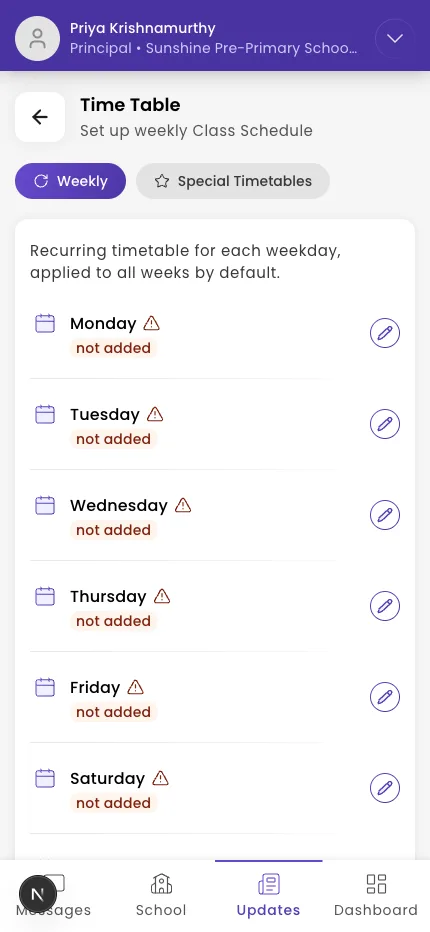
The Time Table sets each class's weekly schedule: which days are school days and the periods on each day. Editing it needs the manage-timetable permission.
Steps
- Open the class and go to Time Table.
- Use the Weekly tab for the regular schedule (the Special tab is for one-off exceptions).
- Tap a day to open it. Set Is [Day] a School Day? and the Student Dress code.
- Under Manage Periods, tap Add Period Item.
- Pick a preset (or create one), choose the subject and times, and tap Add Period.
Note: Teachers aren't assigned to individual periods here. A class's teachers are set when you assign supporting teachers to a section.
What if it doesn't work?
- The timetable is read-only. Editing needs the manage-timetable permission — ask an admin.
- A subject isn't listed for a period. Add the subject to the class first.
Was this helpful?
Related articles
Last updated 2026-06-26