React and comment on posts
Like, love, or comment on your school's posts — when the school allows it.
You can react to a post with a like or a love (heart), and leave a comment — whenever the school has turned those on for that post.
Steps
- Open a post from the School tab.
- Tap the like or love (heart) icon to react. Tap again to undo.
- Tap the comment icon to write a comment, then send it.
- To change or remove your comment, open the comment box again — you can edit it or tick delete my comment.
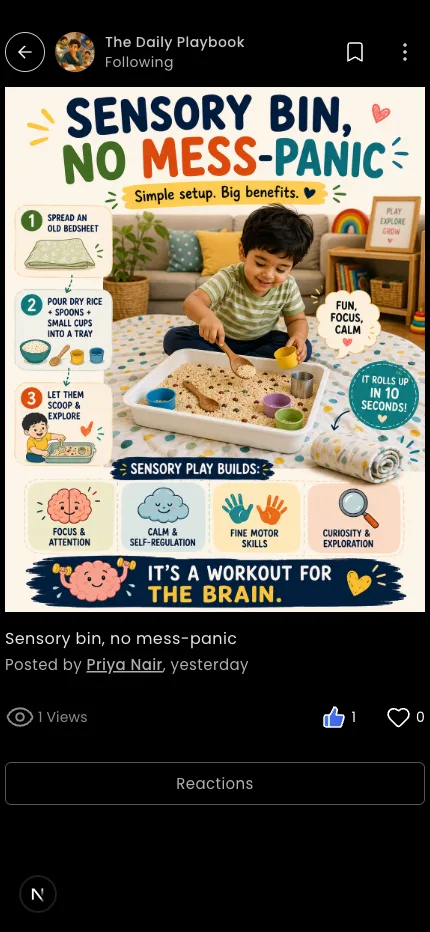
Tip: If you don't see the like, love, or comment icons, the school turned them off for that post.
What if it doesn't work?
- The icons are missing. Reactions and comments are set per post by the school — some posts don't allow them.
- Your comment didn't appear. Check your connection and try again.
Was this helpful?
Related articles
Last updated 2026-06-26