Grant admin access
As the school owner, give trusted staff admin access so they can help manage the school.
Admins can manage classes, students, staff requests, and settings. Only the school owner can grant admin access, and it's given from a list of your active staff.
Steps
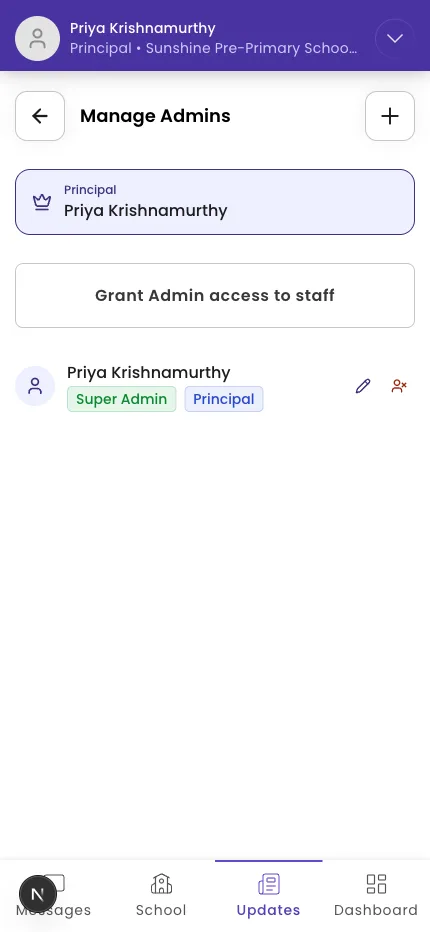
- Open the Admins area and tap Grant Admin access to staff.
- In the Manage Admins sheet, "Select from active staff members to grant Admin privileges."
- Tick the staff members you want to make admins (untick to remove).
- Tick I have reviewed and confirm the Admin access changes.
- Tap Save.
Tip: Admin access is powerful — give it only to people who need it. The staff member must already have joined your school before they can be made an admin.
What if it doesn't work?
- You don't see this option. "Only school owners can manage admins." If you're an admin but not the owner, ask the owner.
- A staff member isn't in the list. They need to join the school first — see Approve staff join requests.
Was this helpful?
Related articles
Last updated 2026-06-26