Add events to the calendar
Create a school or class event so it appears on everyone's calendar, including parents'.
Calendar events are created as an Event post. Once published, the event shows on the Calendar for staff and parents.
Steps
- Tap Create post (the +) and choose Event (in the PLAN group).
- Enter the Event Name and the Date.
- Add a Start Time and End Time if you have them.
- Choose Parents invited to attend and Students invited to attend if it's an attended event.
- Turn on Mark as important for anything parents shouldn't miss (like a holiday or a deadline).
- Add Details (optional), a Dress Code, and the venue, then continue to set the audience and Publish.
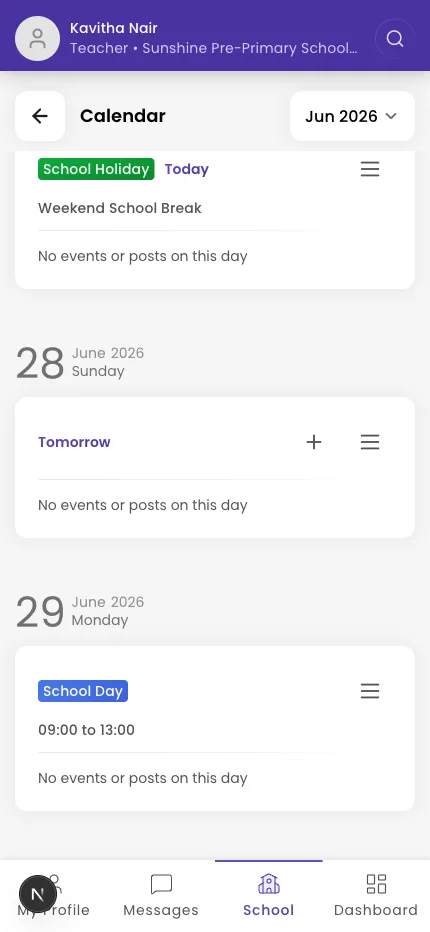
Tip: View everything you've scheduled on the Calendar screen.
What if it doesn't work?
- The event isn't on parents' calendars. Check the post published (not left as a draft) and that the audience includes parents.
- A teacher's event needs approval. Posting outside your own section shows Submit for Review — an admin approves it first.
Was this helpful?
Related articles
Last updated 2026-06-26